
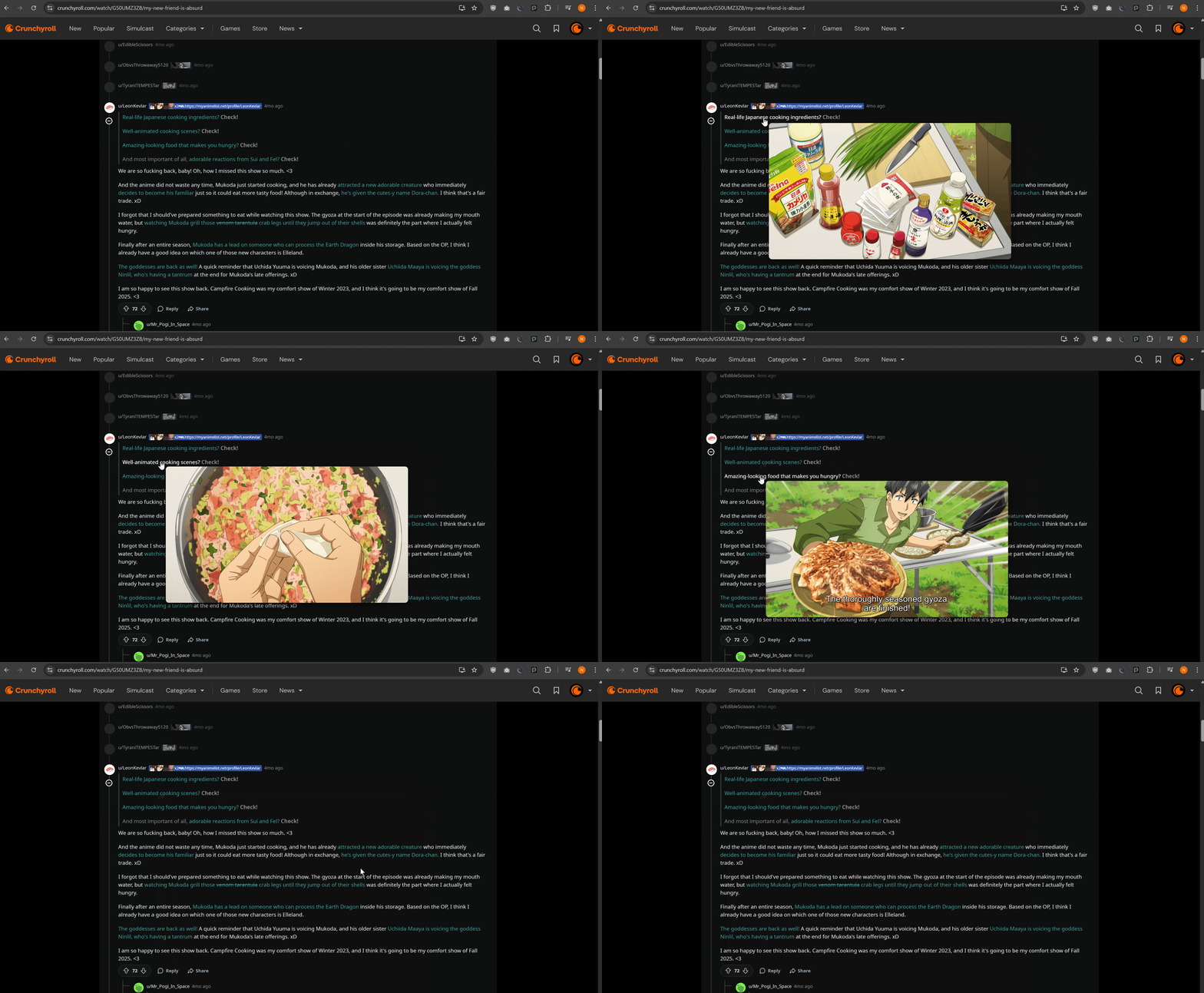
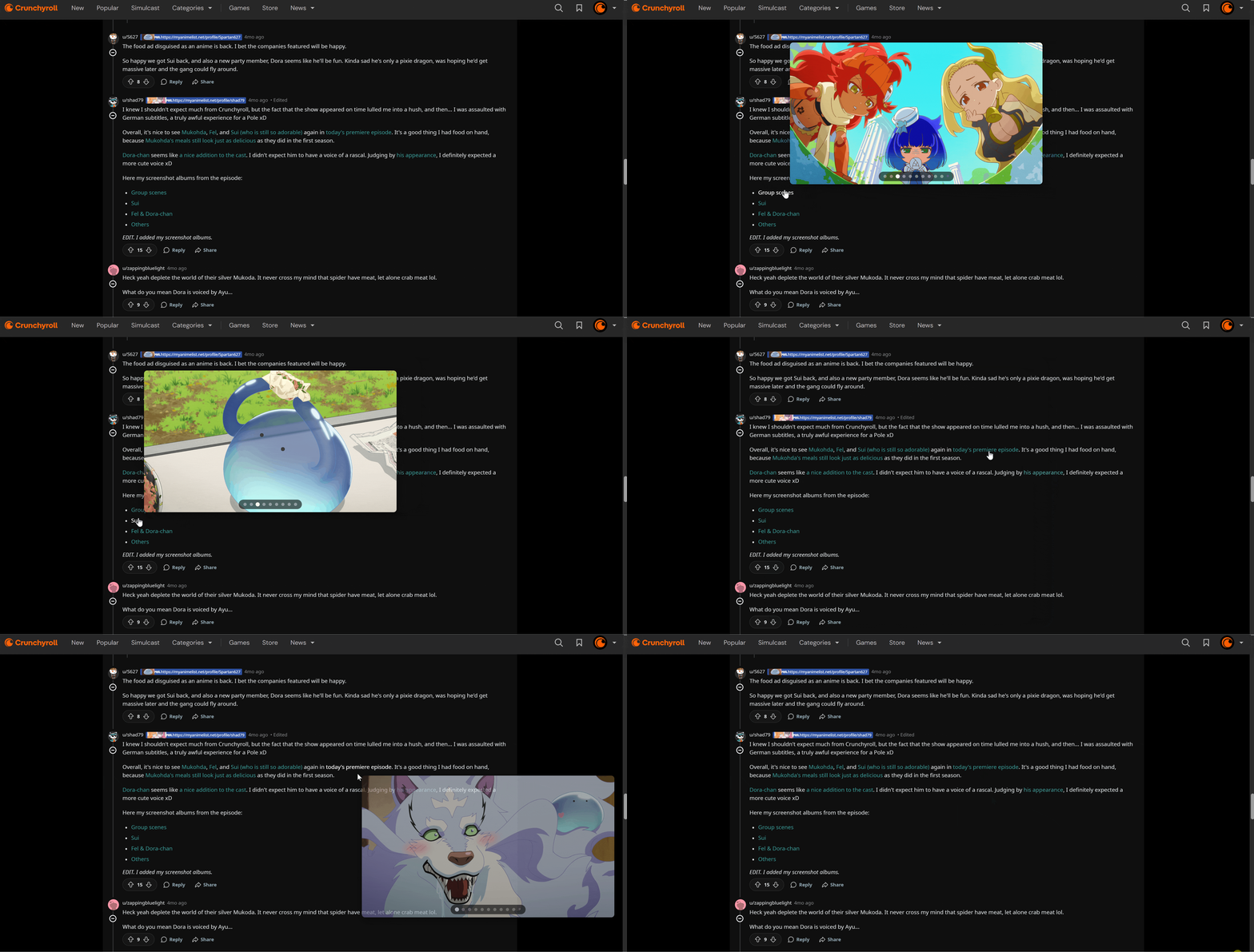
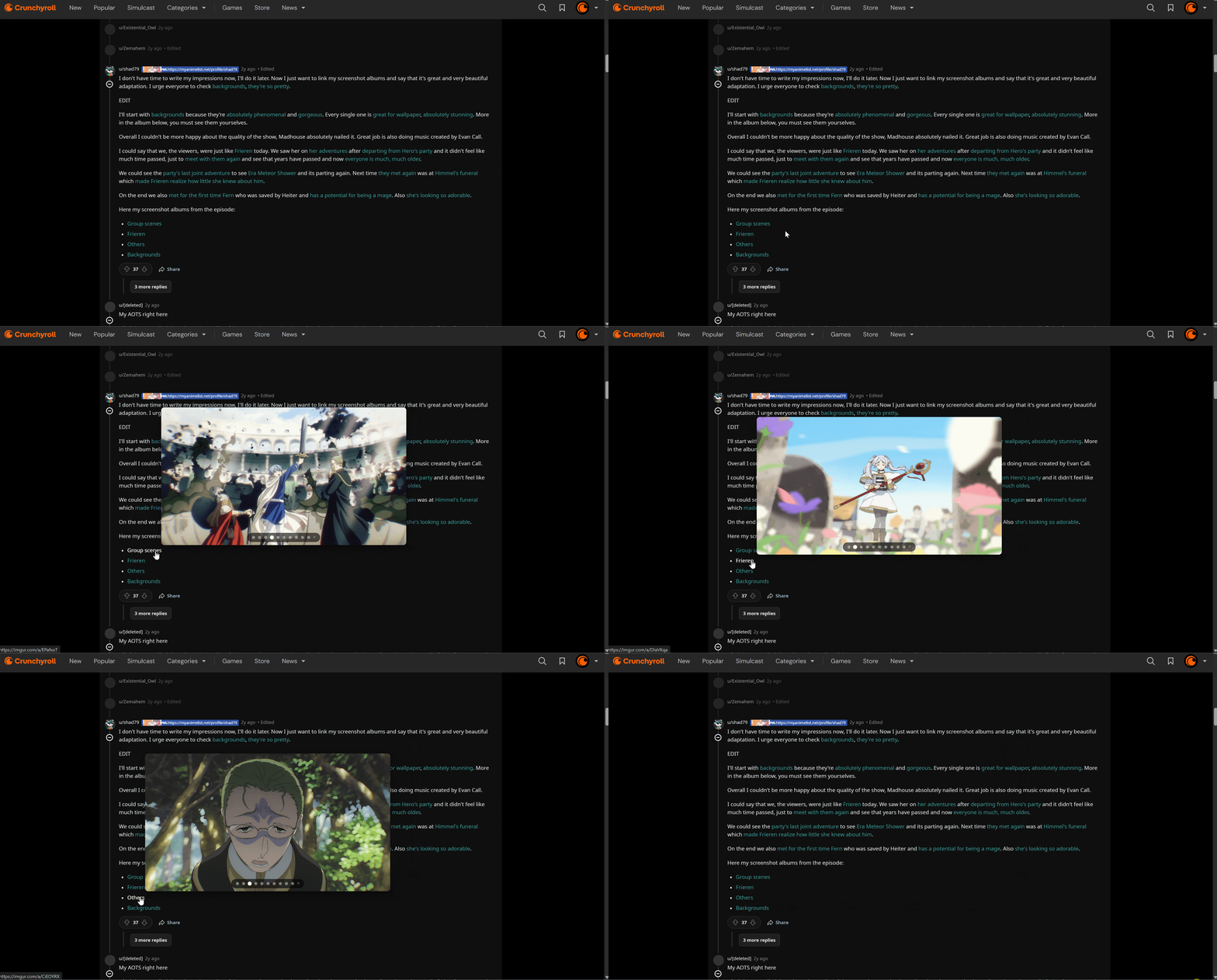
How to enable image preview functionality
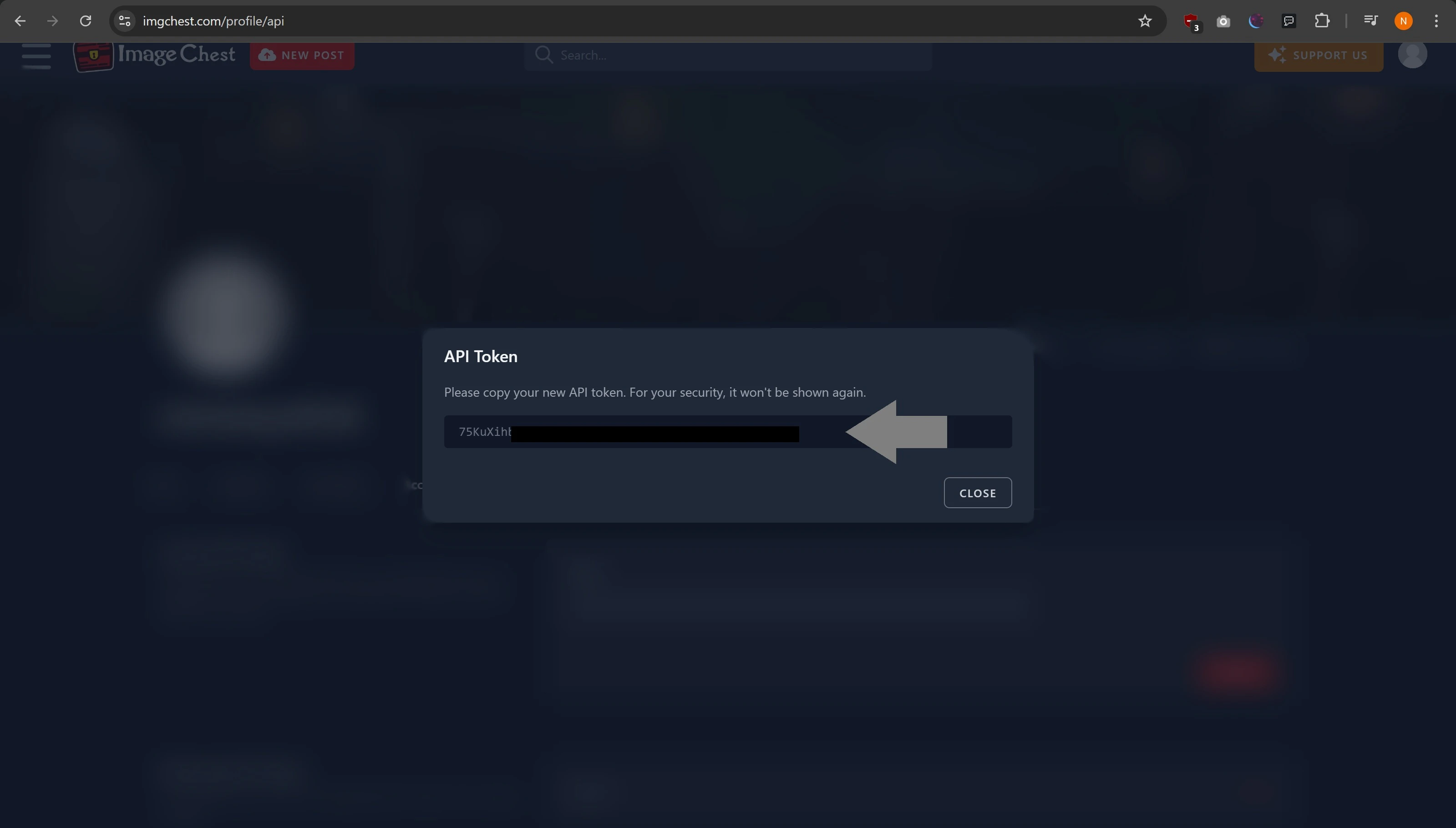
Image previews from Imgur should already work out the box, but the option to override the API keys for this functionality is added in if desired. ImageChest, though, requires an API key to get images from albums. This will require an ImageChest account.How to get an Imagechest API Key
Imagechest API keys can be generated from https://imgchest.com/profile/api, given you’ve got an Imagechest account. Pop inside the ‘Name’ field what you’d like to remember your API key by (so, Hayami, etc), hit ‘Create’, and you should get your generated API Key.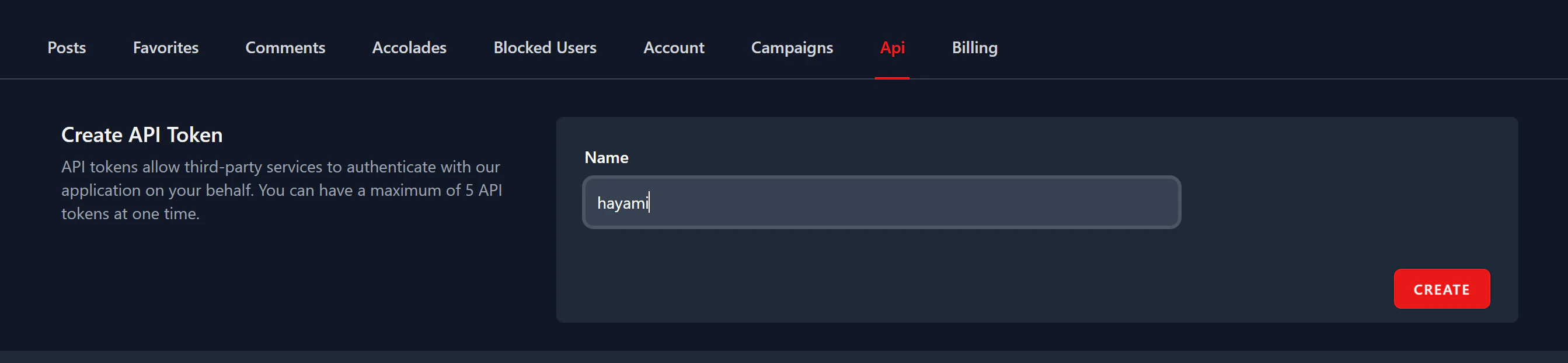
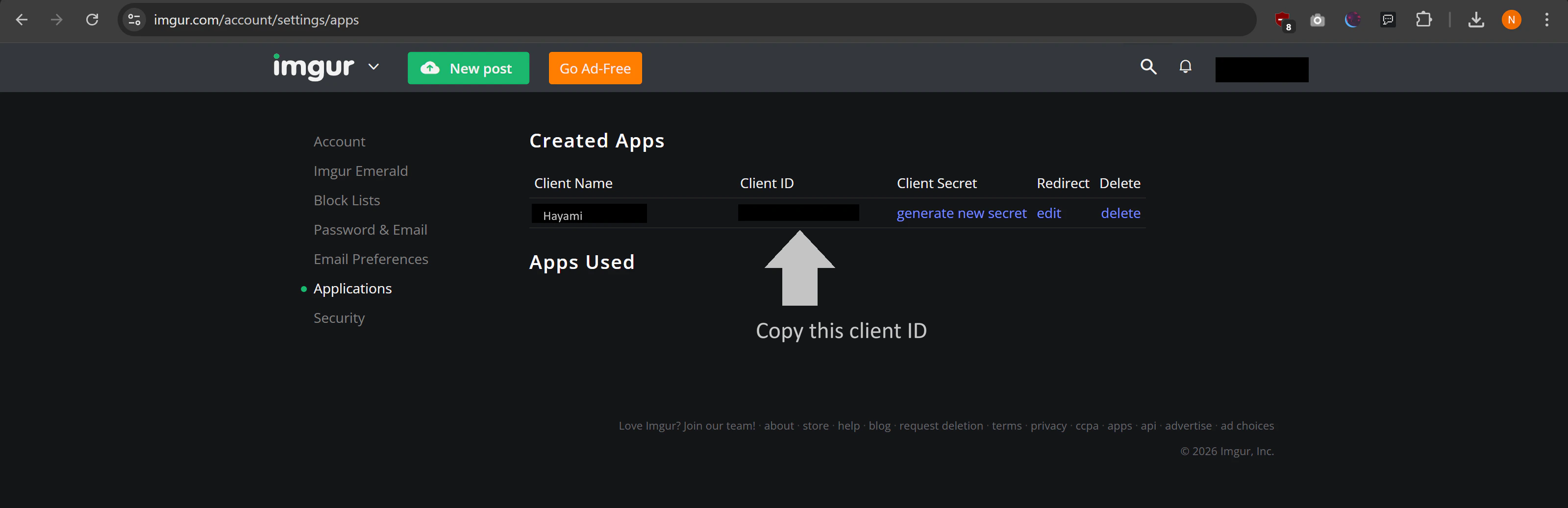
How to get an Imgur API Key
This guide is intended for people already with Imgur API keys, since Imgur has ceased the creation of new Imgur API applications. No Imgur key? Imgur should already work out the box with Hayami.
How to configure advanced options in image previews
To be more respecting to different preferences, Hayami has provided a multitude of delivery options for serving images from specific image hosts. To configure these options, click ‘Expand’ under ‘Advanced’ under Image previews. Hayami allows you to change:- Frontend - This is the site visited after clicking onto an image link. This is configured to be the image site as-default usually.
- Image CDN - This is how images are delivered to you, either through the image site directly, or through a Content Delivery Network, which streamlines and optimises delivery of images directly.