
Customising Disqus
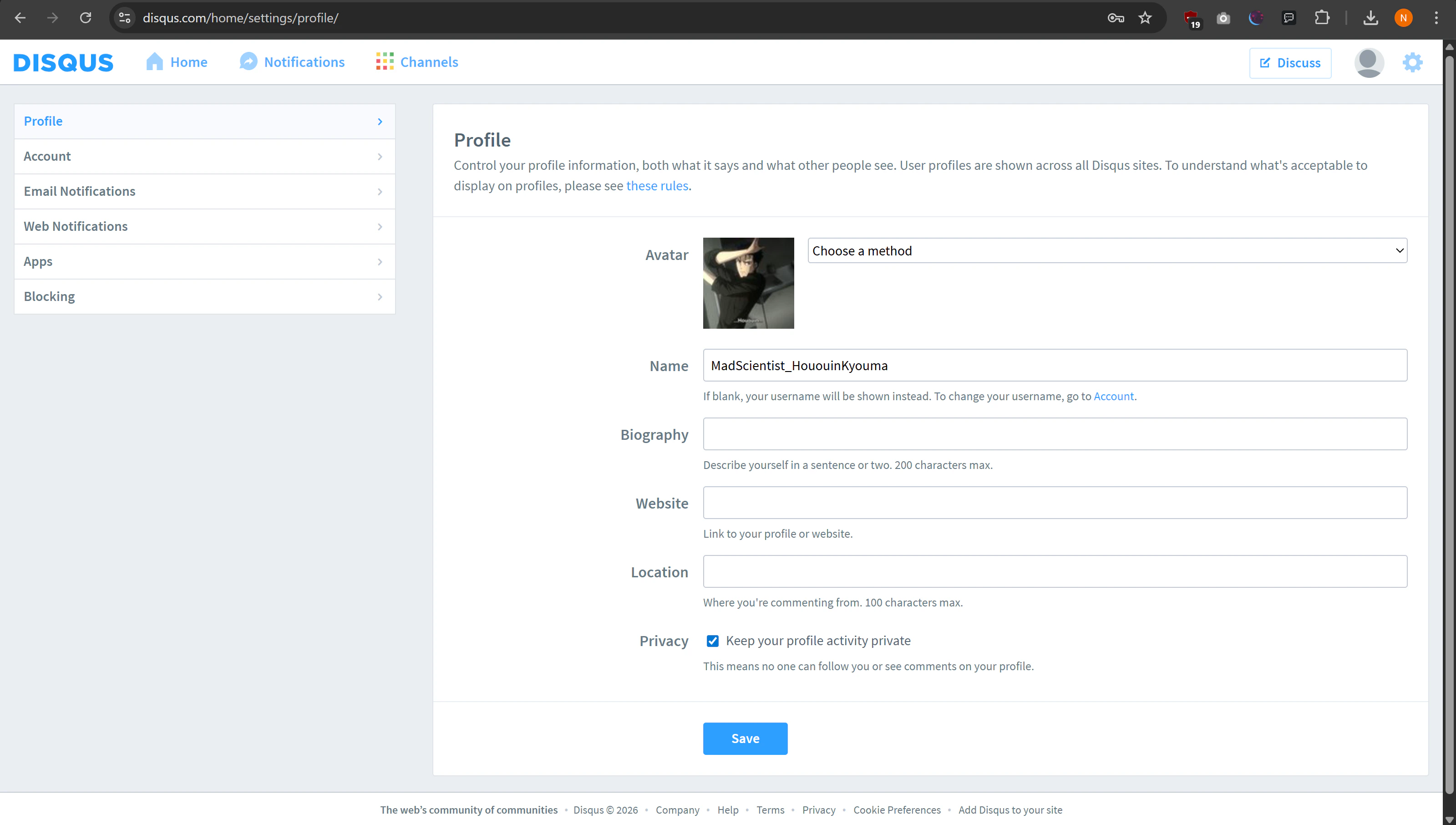
There’s nothing to customise for Disqus through Hayami, however, you can customise your Disqus account such as profile picture, and other such details on your Disqus profile once your logged in, which is what other Disqus users will see you by when commenting. Once logged in, you can configure your name, and avatar on the Disqus profile page, found at https://disqus.com/home/settings/profile/. You can also add a bit about yourself, which is discoverable upon the hover of your profile picture by other users, or directly viewing your Disqus profile. Also choose whether you want to keep your activity private, and hit save. You may want to change your username, enable 2FA (email-based 2FA also works), and customise your privacy choices on your account page, found at https://disqus.com/home/settings/account/. You may also want to customise how and when you receive notifications (e.g. replies to comments) as well which you can configure through Email Notifications and Web Notifications.