> ## Documentation Index
> Fetch the complete documentation index at: https://docs.hayami.moe/llms.txt
> Use this file to discover all available pages before exploring further.
# Configuring Reddit
> How to setup and configure Reddit
**Reddit on Hayami already works out-the-box**, assuming your logged-in through your browser. If you're not logged into Reddit already, as already mentioned in the [getting started](/getting-started) guide, can cause rate limits according to your i.e. IP address. This sometimes may trigger Reddit to not return the discussion altogether, Hayami prompting you to login to continue. So, if you haven't already, do so by going to Hayami > Manage or add accounts > Login on Reddit.
If you have a Reddit software-app, you can [customise Hayami to work with it](/reddit-software-app). If you don't have one, ignore this. If you do, authenticating through your app will use your [app's rate limits](https://support.reddithelp.com/hc/en-us/articles/16160319875092-Reddit-Data-API-Wiki).
## Customising Reddit
All of Reddit's settings can be configured through Hayami > Settings > Discussion platforms > Reddit.
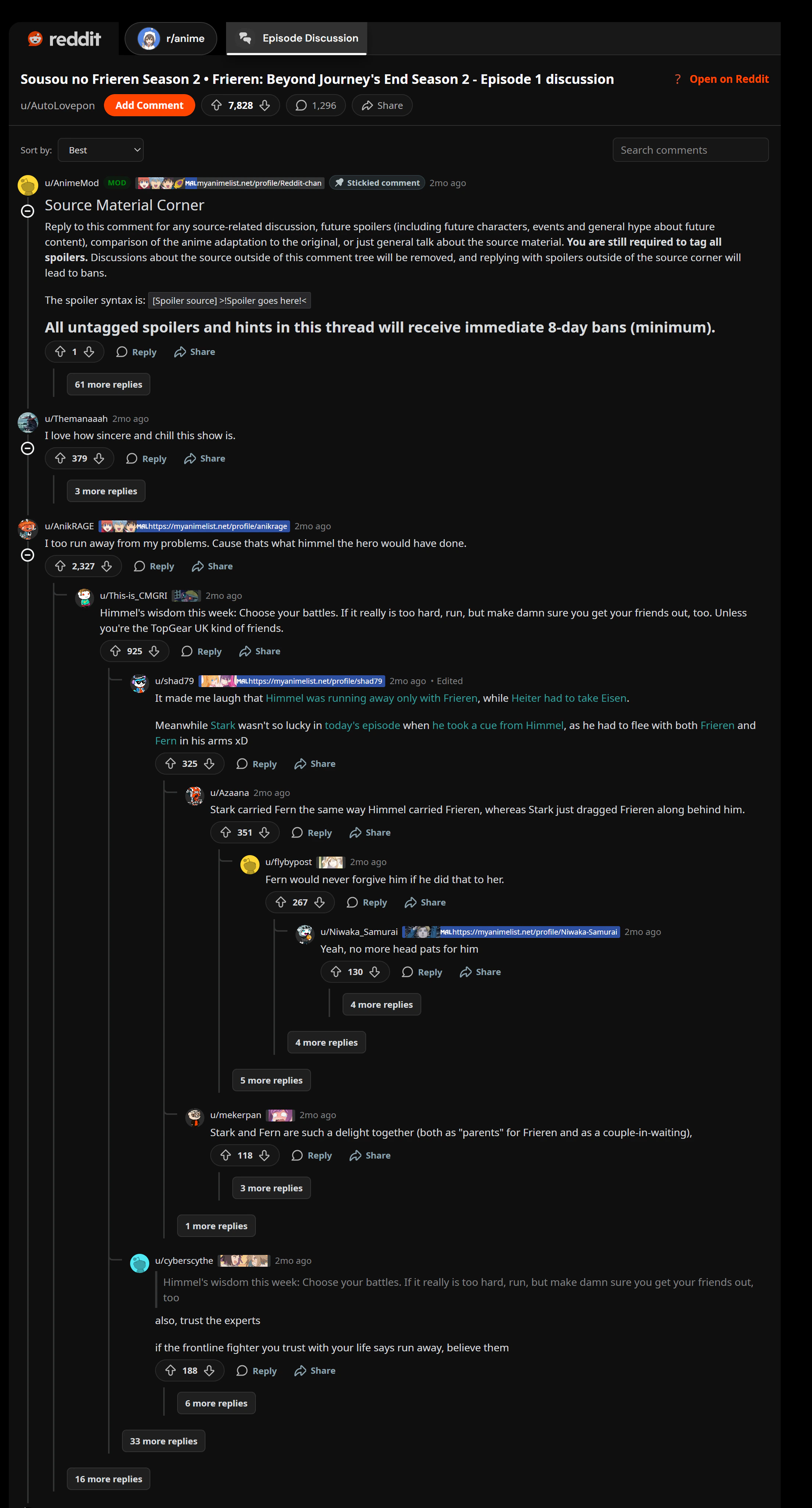
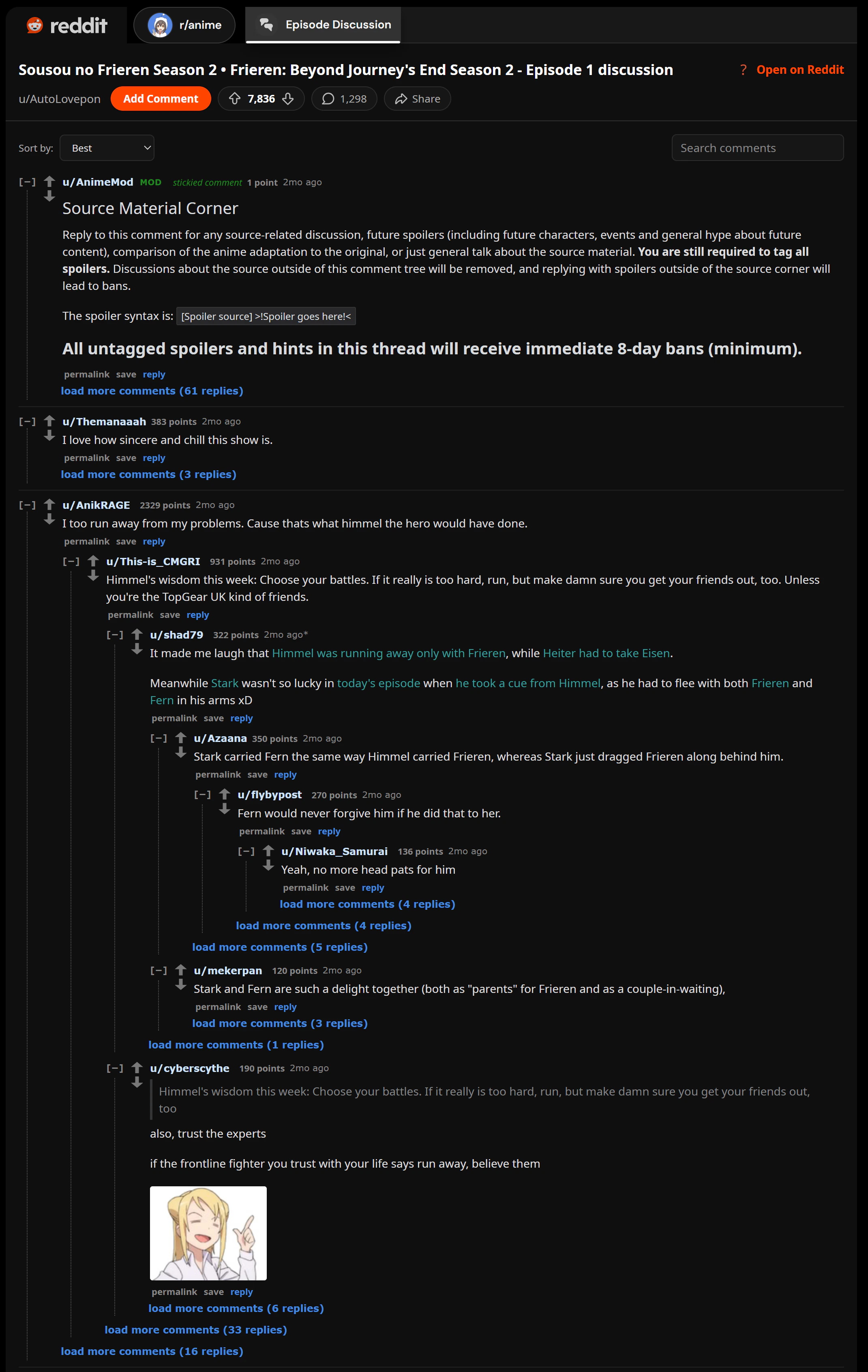
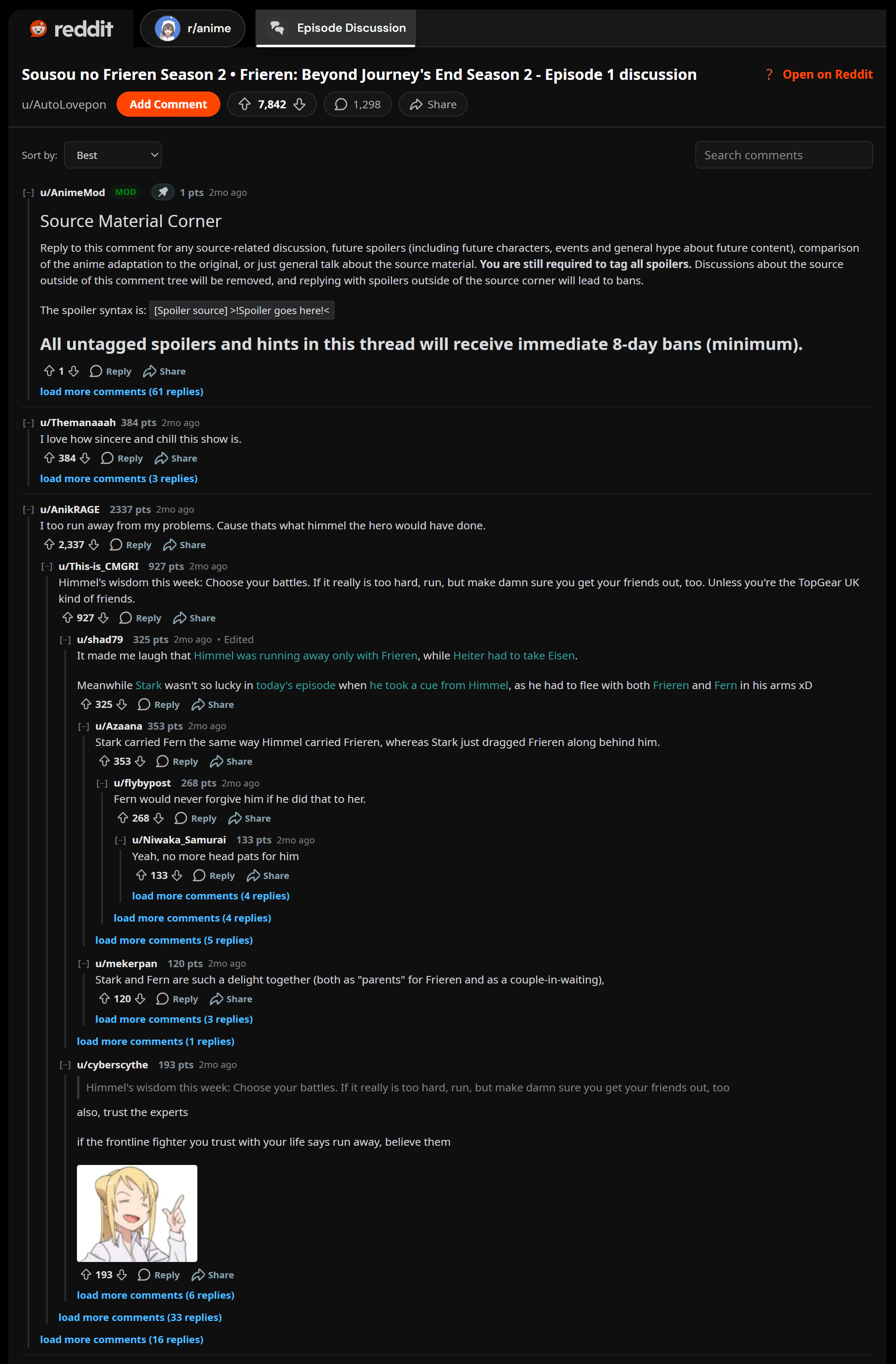
Reddit has a few comment layouts on Hayami out-the-box:
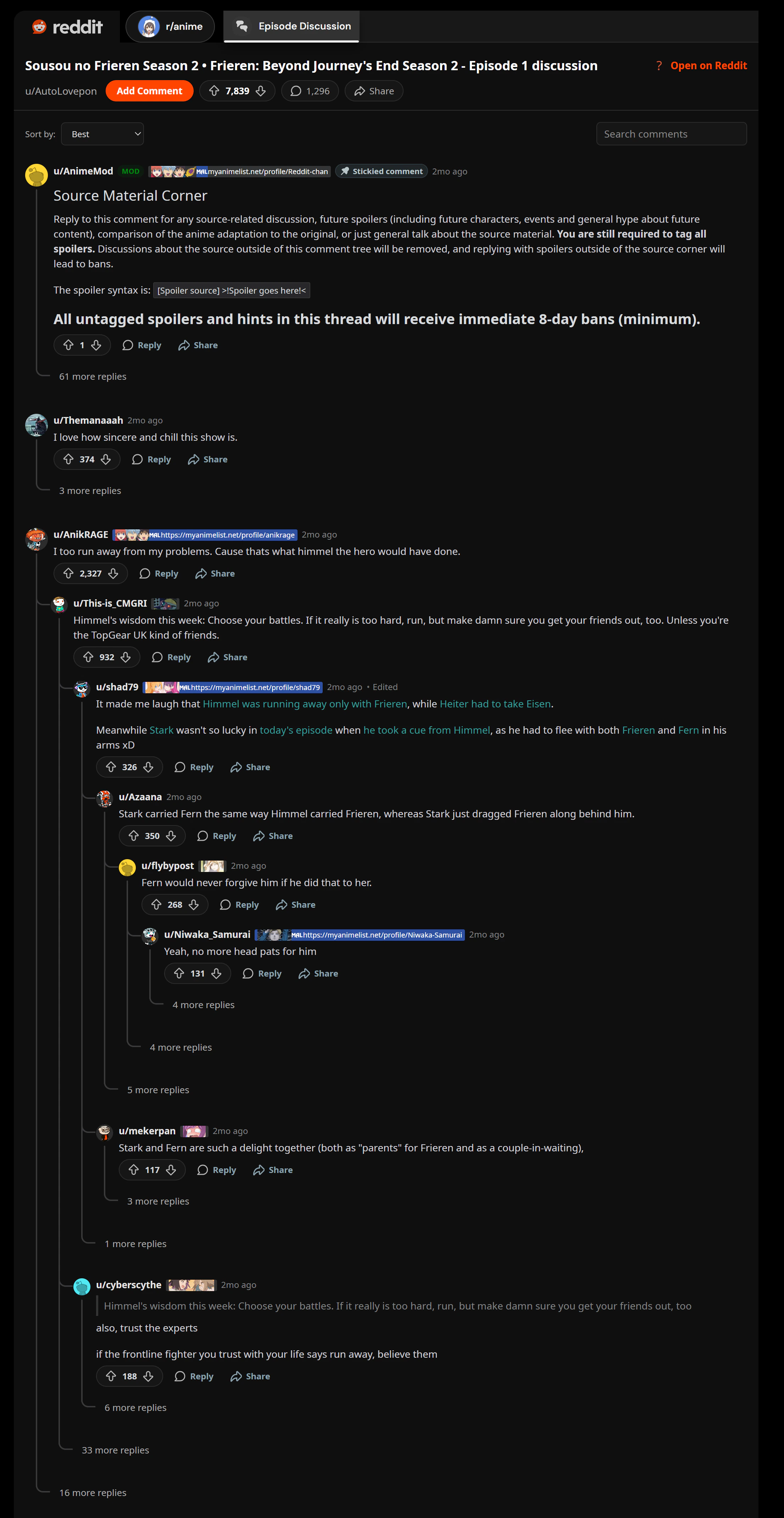
* **traditional (nested)**: Default theme for Reddit; tree view, inspired by both Reddit and YouTube's commenting tree-view. You can also customise the layout traversal spacing.
* **threaded**: Built similarly to traditional but with a few tweaks.
* **classic (old reddit)**: Built similarly to old Reddit ([https://old.reddit.com](https://old.reddit.com)), with emoticon support out-the-box.
* **compact**: A clash between new reddit and old reddit, but everything got compacted. Literally.
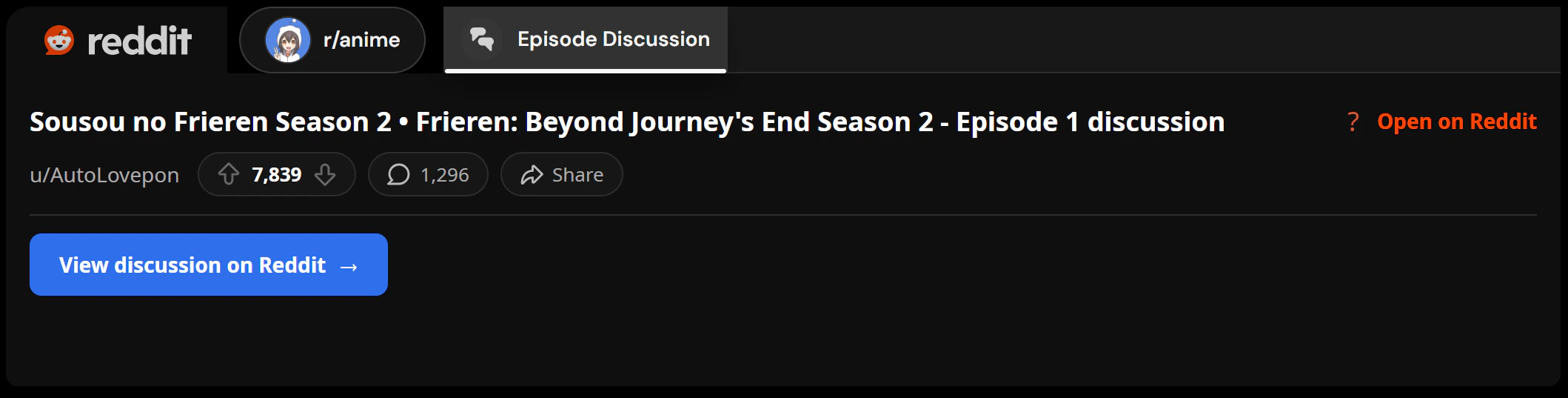
* **link-only mode**: A button that hyperlinks to Reddit, which may be best for mobile-factor devices.
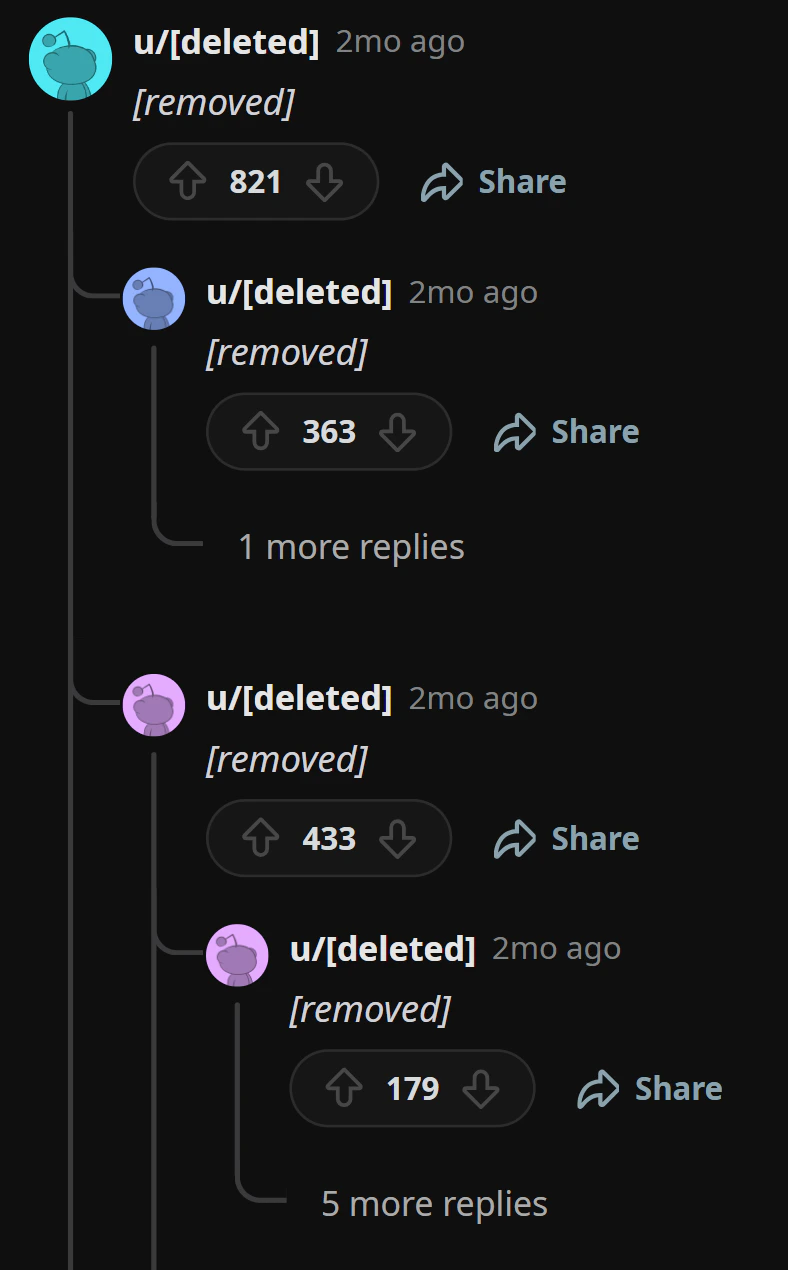
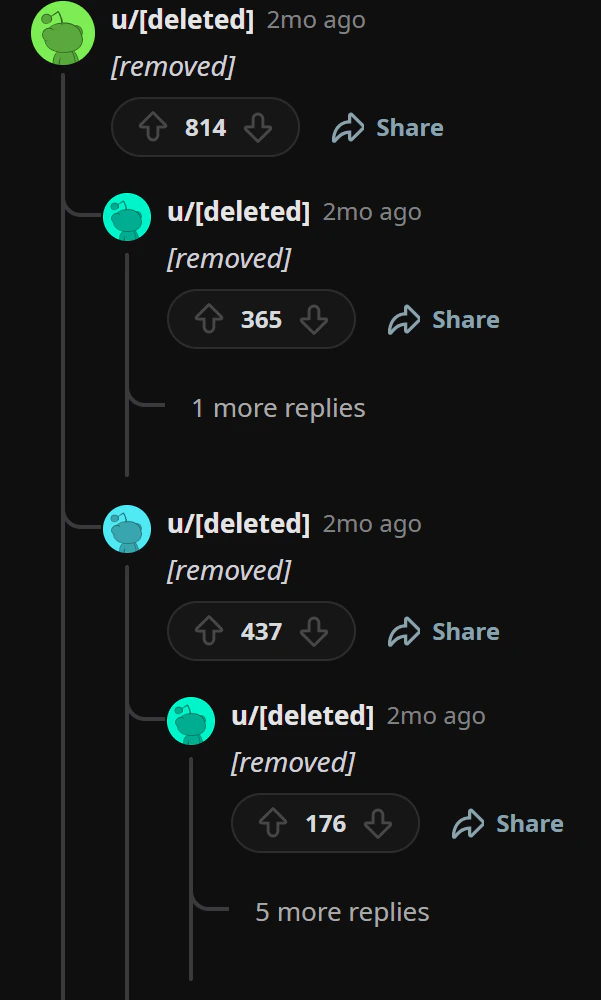
Examples of the same comments section is shown below on each theme to suit different preferences.
 Reddit has many settings on-top of custom themes:
* Reddit editor: **Rich editor or Plain markdown box**.
* "Rich editor" is a TipTap editor skinned like the Reddit on-site editor, supporting most features out-the-box.
* "Plain markdown box" is just an input field where your [raw markdown](https://support.reddithelp.com/hc/en-us/articles/360043033952-Formatting-Guide) input will get submitted to Reddit directly.
* Link-only mode: As explained above, effectively renders a hyperlink instead of the discussion, found at Hayami > Settings > General > Link-only mode.
* Default Reddit sort: Change the default sort from Reddit sorting types (Best, Top, New, Old, etc).
* Show user flairs:
Reddit has many settings on-top of custom themes:
* Reddit editor: **Rich editor or Plain markdown box**.
* "Rich editor" is a TipTap editor skinned like the Reddit on-site editor, supporting most features out-the-box.
* "Plain markdown box" is just an input field where your [raw markdown](https://support.reddithelp.com/hc/en-us/articles/360043033952-Formatting-Guide) input will get submitted to Reddit directly.
* Link-only mode: As explained above, effectively renders a hyperlink instead of the discussion, found at Hayami > Settings > General > Link-only mode.
* Default Reddit sort: Change the default sort from Reddit sorting types (Best, Top, New, Old, etc).
* Show user flairs:

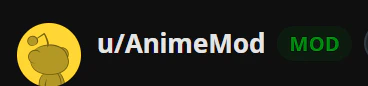 * Flair position (Inline with username/below username):
 * Deep replies open in (Open in Hayami popup/open in Reddit): You can choose *how* replies get shown when the depth becomes too deep (too shoved to the right), triggering this action. You can configure this depth number via the Advanced menu.
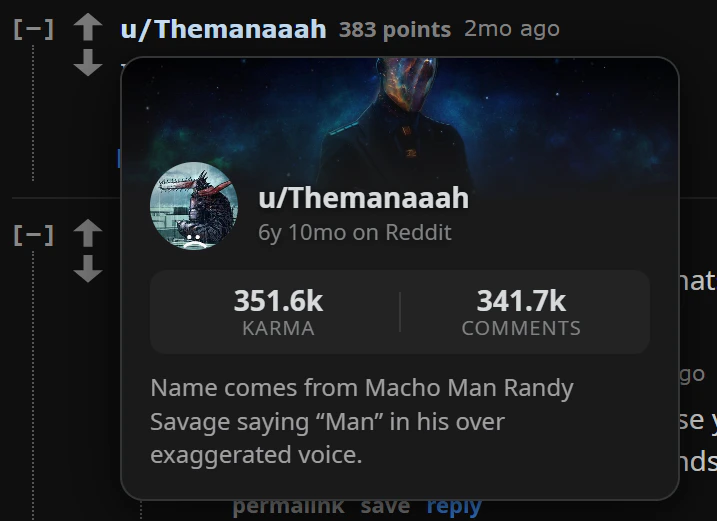
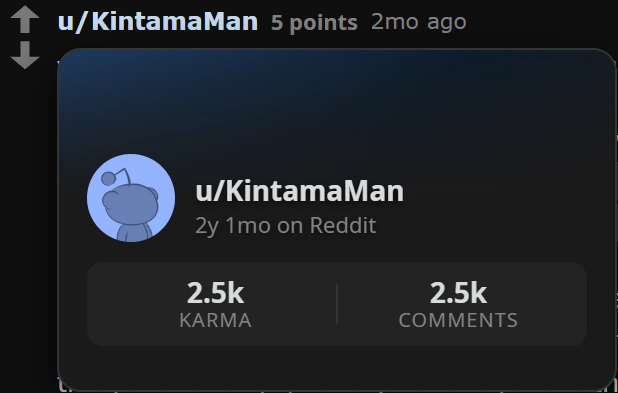
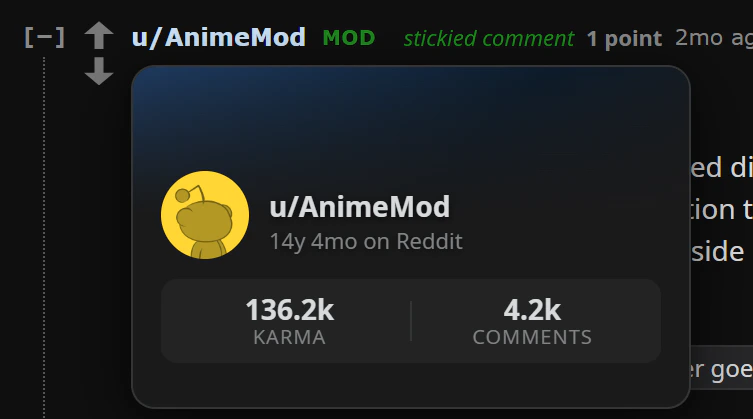
* Profile hover card (hover over usernames shows a profile preview):
* Deep replies open in (Open in Hayami popup/open in Reddit): You can choose *how* replies get shown when the depth becomes too deep (too shoved to the right), triggering this action. You can configure this depth number via the Advanced menu.
* Profile hover card (hover over usernames shows a profile preview):
 * Open links on: Choose to open links in old reddit (old.reddit.com) or normal reddit (reddit.com).
* Emoticon support: Enable/disable emoticons (emotes) on Reddit. Emotes were available on old reddit. Classic and compact have it enabled by default, if you want examples.
* Traditional layout spacing: If using traditional, you can customise the spacing (in other words, breathing room) between each layer for accessibility purposes.
* Keyboard shortcuts (RES-style): Uses default keyboard shortcuts from [Reddit Enhancement Suite](https://redditenhancementsuite.com/) to navigate, collapse, save, vote, and reply.
* Truncate thread lines at last reply toggle: This is having a line that goes down, no matter if that's the last comment on the layer, or stops if it's the last comment on the layer. Recommended settings: if using threaded, turn 'truncate thread lines....' off, and if using traditional, turn it on.
* Open links on: Choose to open links in old reddit (old.reddit.com) or normal reddit (reddit.com).
* Emoticon support: Enable/disable emoticons (emotes) on Reddit. Emotes were available on old reddit. Classic and compact have it enabled by default, if you want examples.
* Traditional layout spacing: If using traditional, you can customise the spacing (in other words, breathing room) between each layer for accessibility purposes.
* Keyboard shortcuts (RES-style): Uses default keyboard shortcuts from [Reddit Enhancement Suite](https://redditenhancementsuite.com/) to navigate, collapse, save, vote, and reply.
* Truncate thread lines at last reply toggle: This is having a line that goes down, no matter if that's the last comment on the layer, or stops if it's the last comment on the layer. Recommended settings: if using threaded, turn 'truncate thread lines....' off, and if using traditional, turn it on.